Start with what you have
Use a pasted table or spreadsheet when that is the fastest path to the first useful visual.

Data connections
Paste a table, upload a spreadsheet, connect a Google Sheet, or begin with trusted public data from the built-in catalog.
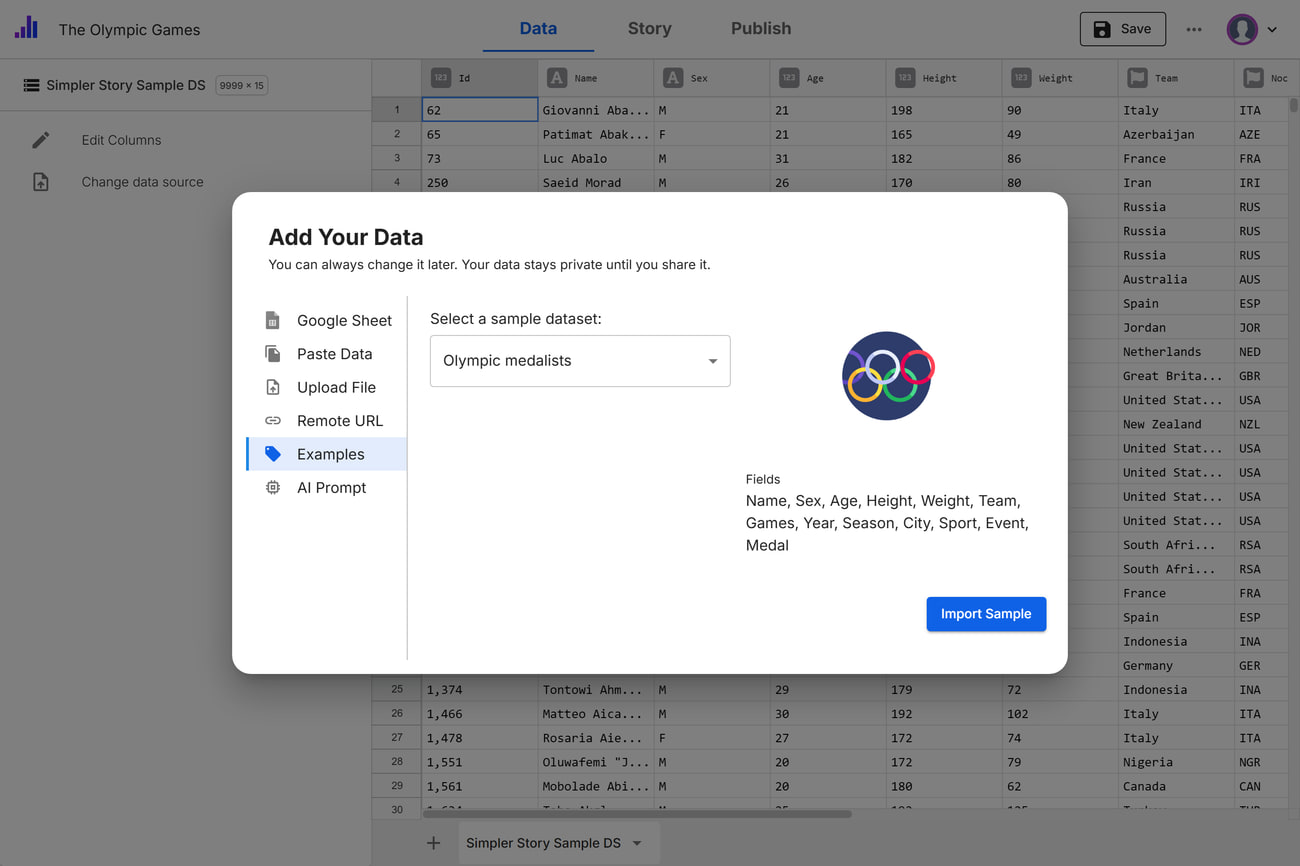
Use a pasted table or spreadsheet when that is the fastest path to the first useful visual.
Use connected sources when the same story needs to stay current over time.
Explore catalog data from sources such as the World Bank, IMF, and Our World in Data.
Choose the path that matches the project and how often the source changes.
Professional and Enterprise plans add capabilities for maintained and larger-scale publishing.
Ready to make it clear?
Bring in your data, shape the explanation, and publish an experience people can follow.